Download any Pin without leaving Pinterest
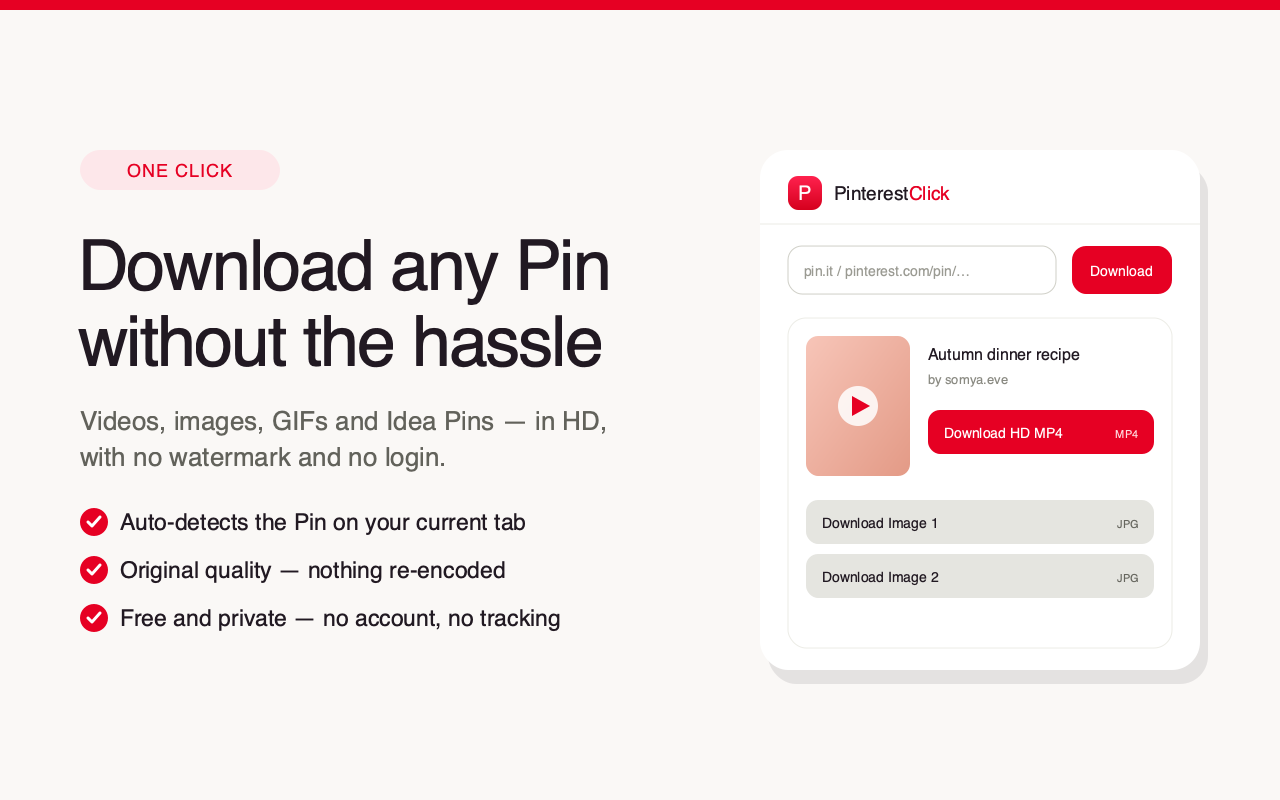
PinterestClick lives in your toolbar. Open a Pin, click the icon, and save the video, image, GIF or Idea Pin in HD — one click, no copy-paste, no watermark.
Free · no account · no watermark
See it in action
Why the extension
One click, no copy-paste
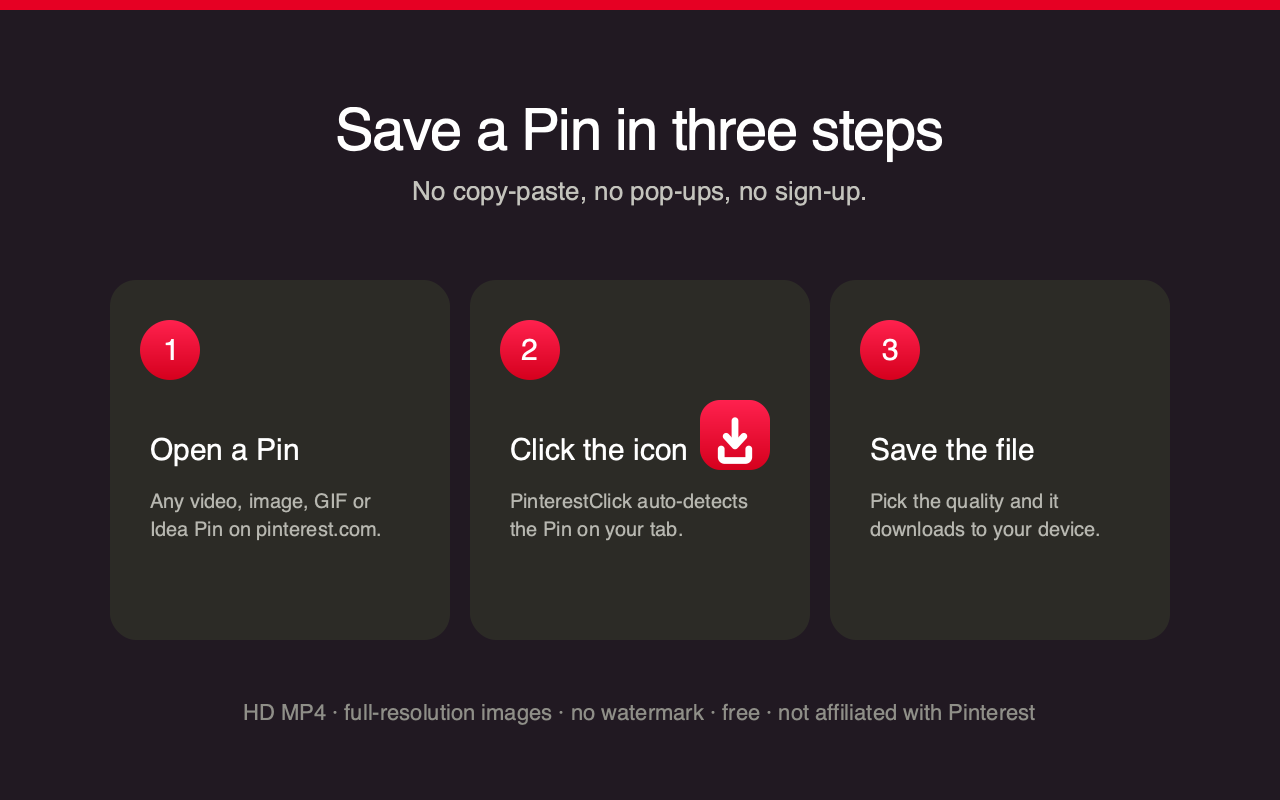
Open a Pin and click the icon — it auto-detects the Pin on your current tab and grabs it instantly.
Everything on Pinterest
Video Pins as HD MP4, full-resolution images, animated GIFs, and every slide of an Idea Pin.
No watermark, no login
Files come back exactly as posted — nothing stamped on top, no account, no limits.
Private by design
It only reads the URL of the Pin you choose, and keeps no history of what you download.
How it works
Add it to Chrome
Install from the Chrome Web Store — it pins to your toolbar.
Open any Pin
Browse Pinterest as usual and open the video, image or Idea Pin you want.
Click the icon
PinterestClick detects the Pin automatically and shows the download options.
Save the file
Pick the quality and it downloads straight to your device.
Questions
Is the extension free?+
Yes — completely free, with no account and no limits, just like the website.
What can it download?+
Video Pins as HD MP4, images at full original resolution, animated GIFs, and every slide of Idea and Story Pins.
Is it safe? What data does it use?+
It only reads the URL of the Pin on your current tab, and only when you click the icon, to fetch the file for you. It sets no cookies, runs nothing in the background, and keeps no history of what you download.
Which browsers are supported?+
Chrome to start. Edge and Firefox versions are planned next — they use the same code.
Do I still need the website?+
No — the extension works on its own. But the web tool at pinterestclick.com does the same thing without installing anything, on any device.
PinterestClick is an independent tool, not affiliated with, endorsed by or sponsored by Pinterest™. Download only content you own or have permission to use.